Free · No sign-up · Commercial use allowed
Free printable QR code templates
Table cards, table tents and stickers for menus, reviews, WhatsApp, Wi-Fi and payments. Make them ready-filled with your own QR code in the generator, or download the editable vector templates.
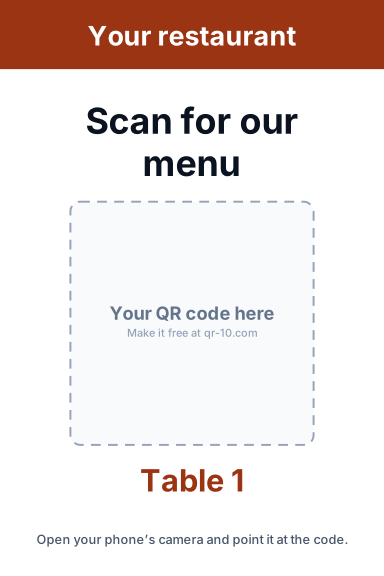
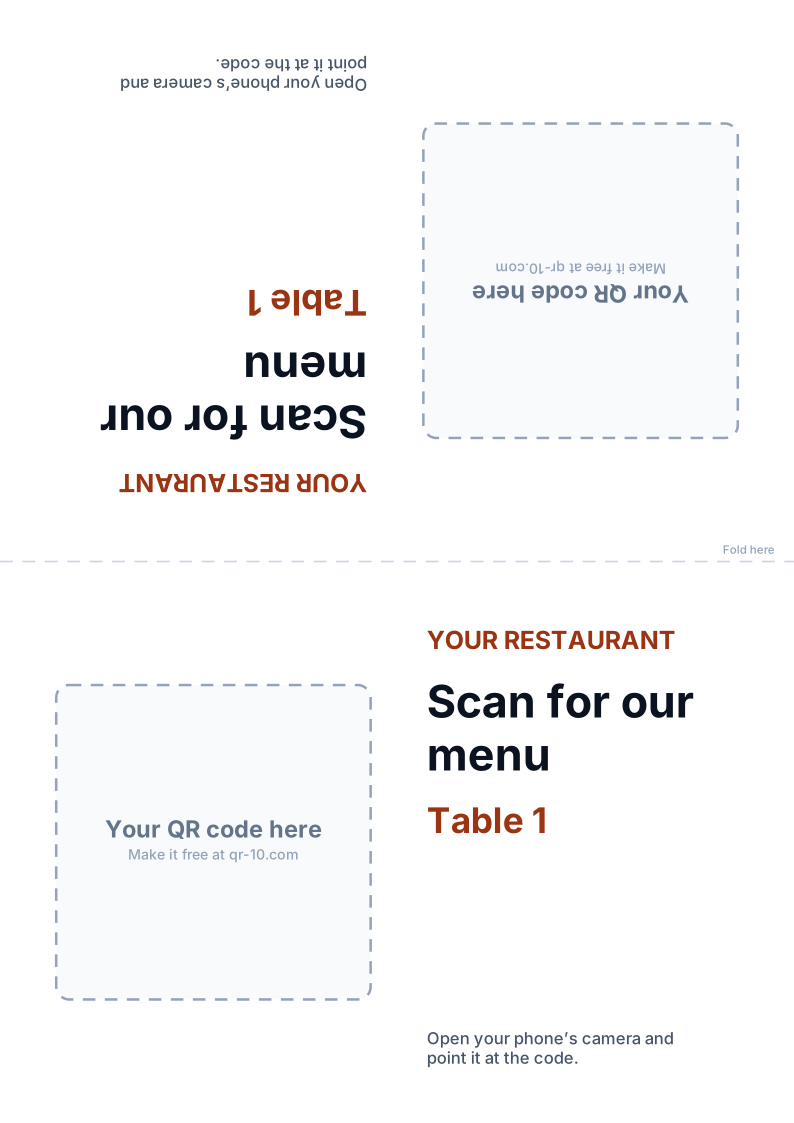
Restaurant menu QR code template
Table cards and tents with your restaurant name, “Scan for our menu” and an optional table number on each.
One card per table, up to 100, in a single ZIP.
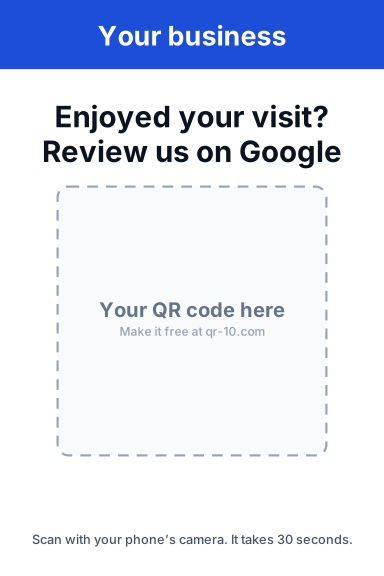
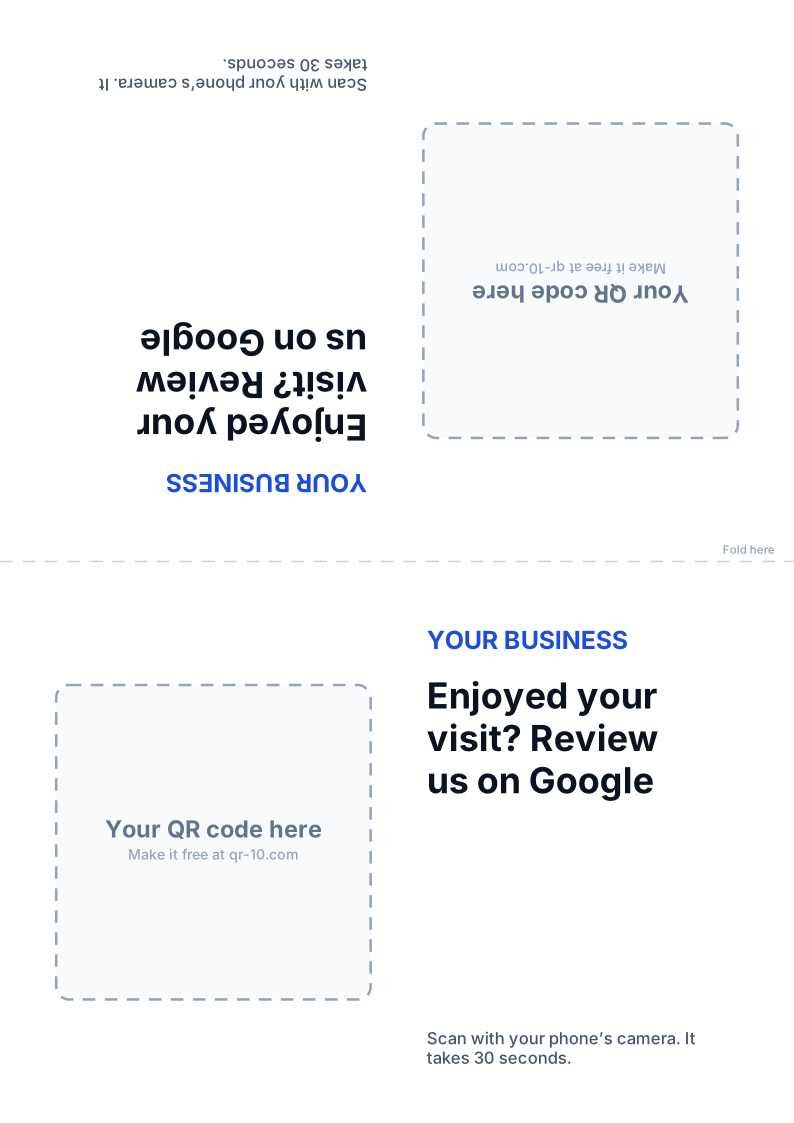
Google review QR code template
“Enjoyed your visit? Review us on Google” for the counter, the bill folder or reception.
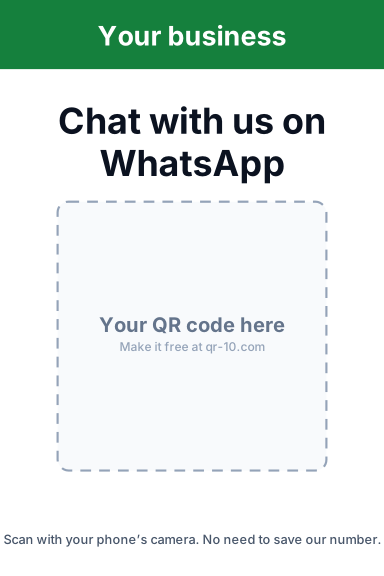
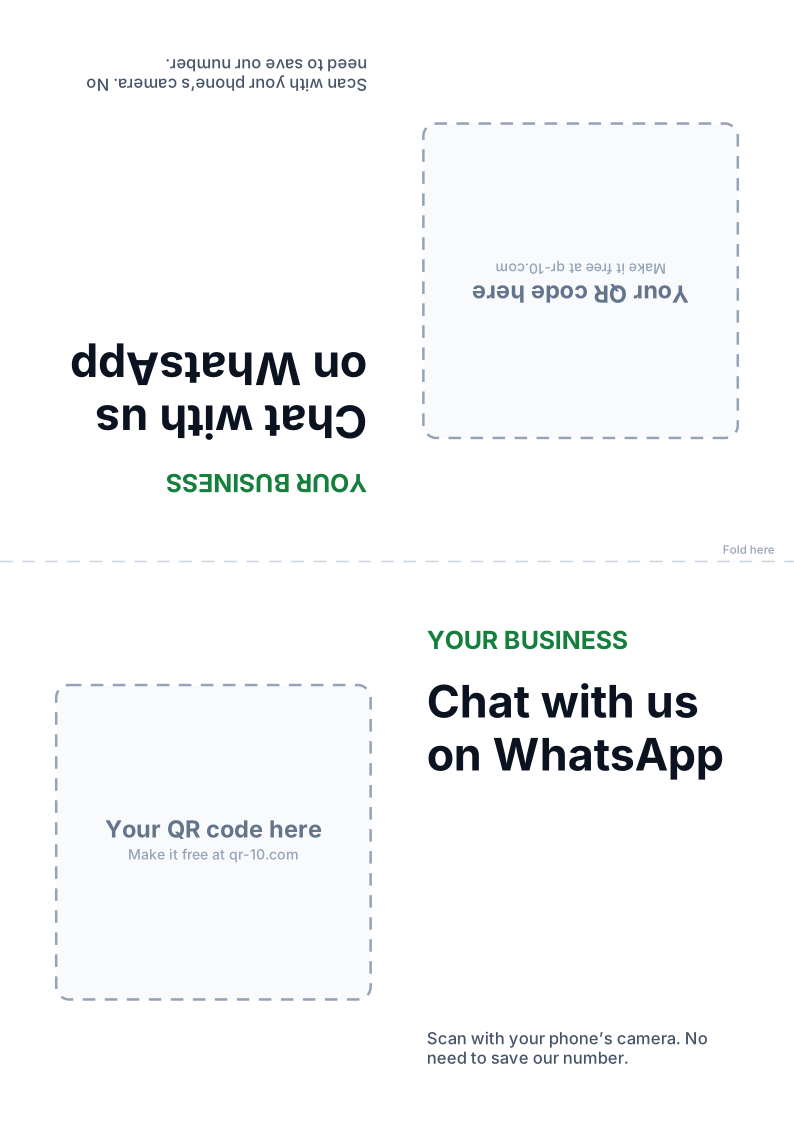
WhatsApp chat QR code template
“Chat with us on WhatsApp” for orders and enquiries, with your reply hours in the small print.
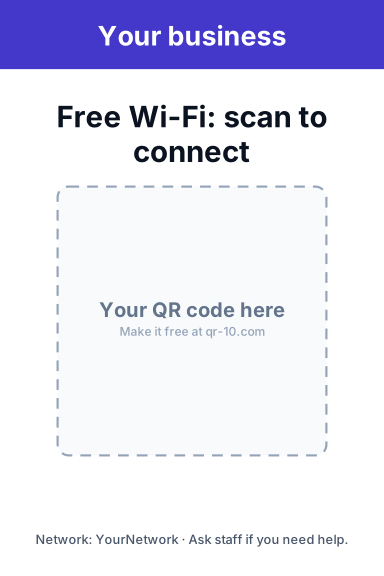
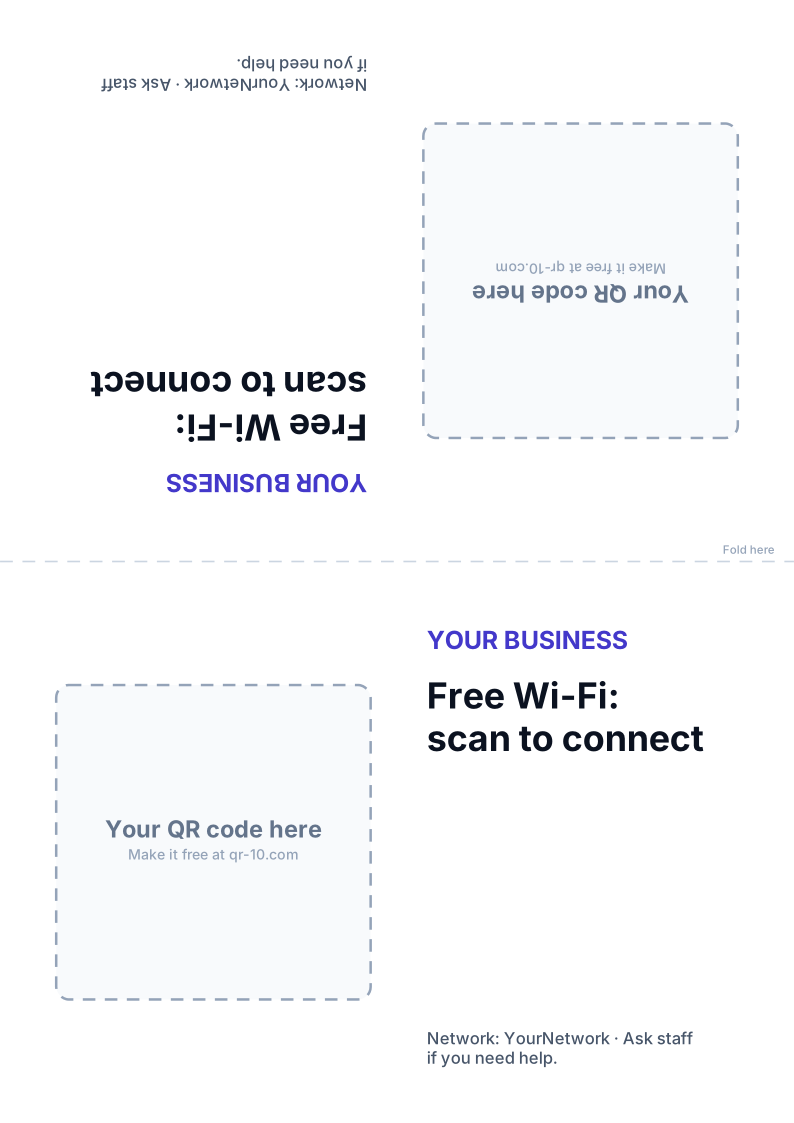
Wi-Fi QR code template
“Free Wi-Fi: scan to connect” for tables, rooms and reception. Guests join without typing the password.
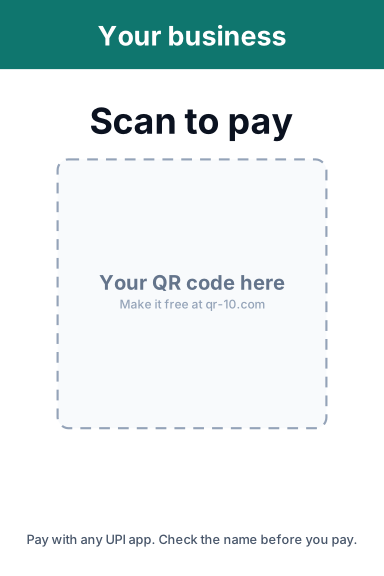
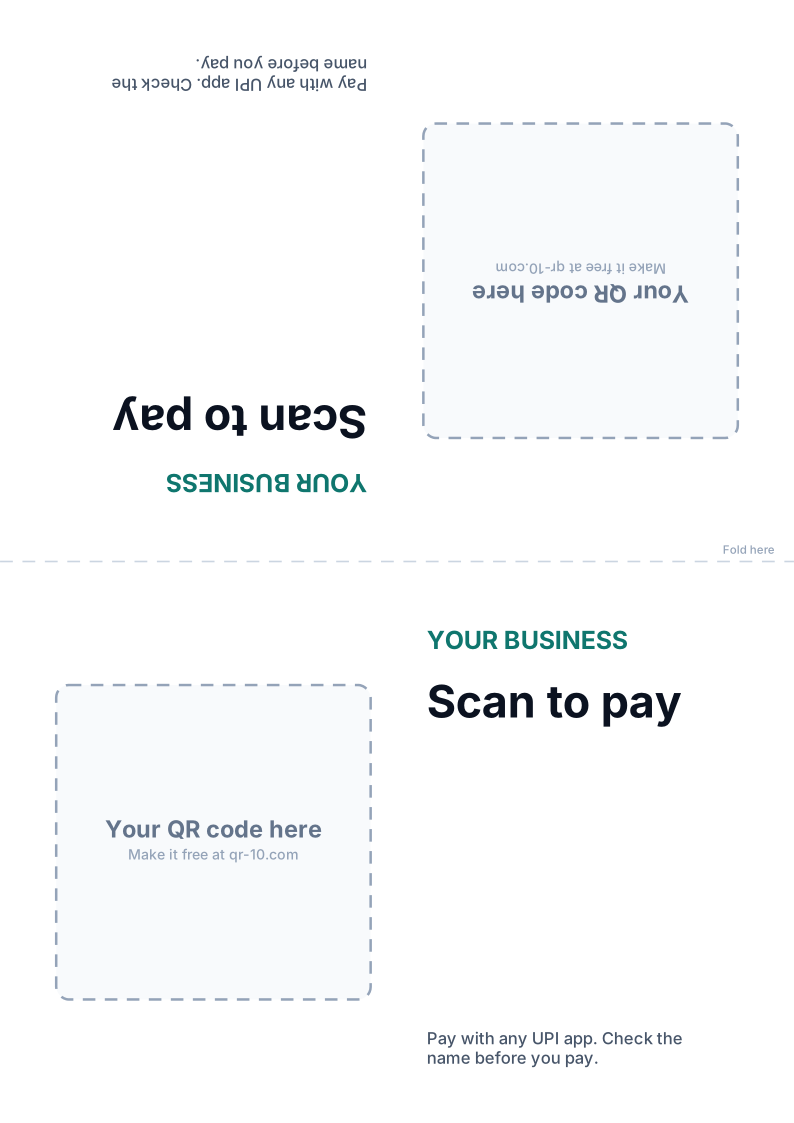
Scan to pay (UPI) QR code template
“Scan to pay” counter cards that work with Google Pay, PhonePe, Paytm, BHIM and every UPI app.
How to use them
Two ways to make your card
Ready-filled in the generator
Best for most people. Your real QR code is placed on the card for you.
- 1Open the generator and enter your link, number or details
- 2Add your logo and colors if you like
- 3Type your business name and headline in “Print-ready cards”
- 4Download a 300 dpi PNG: 4 × 6 in, A6, A4 tent or sticker
Editable SVG for designers
For your own fonts, colors and layout in Canva, Figma, Illustrator or Inkscape.
- 1Download the 4 × 6 in card or the A4 tent
- 2Edit the text and colors
- 3Download your QR code as an SVG from any generator
- 4Place it over the dashed square, at least 4 cm wide
Printing tips
Print cards that scan the first time
Print at 100% scale
Turn off “fit to page” so the card and the code come out at their real size.
Use matte card
Gloss reflects light into the camera. 250–300 gsm card stands up well.
Keep the white border
Don’t trim into the white space around the code: scanners need it.
Test one before printing fifty
Scan a test print with an iPhone and an Android phone from where customers sit.
Laminate payment cards
And check them daily, so nobody can stick their own code over yours.
Use a dynamic code for long runs
Then you can change the menu, offer or link later without reprinting the cards.
More in our guides to QR code size and QR code best practices, or make a dynamic QR code you can edit after printing.
FAQ
QR code template questions
Yes. The ready-filled cards and the editable SVG templates are free for personal and commercial use, with no sign-up and no watermark.
The easiest way: open the matching generator, create your code and use the “Print-ready cards” section below the colors, which fills in the template with your real code. Designers can download the SVG template instead and place an SVG QR code in the dashed square.
Ready-filled cards come as 4 × 6 in table cards, A6 cards, A4 folding table tents and 3 × 3 in stickers, all at 300 dpi. The editable templates are 4 × 6 in cards and A4 tents.
Yes. In the generator, change the business name, headline and small print. In the SVG templates, all text is editable in Canva, Figma, Illustrator or Inkscape.
Print it on A4 card at 100% scale, fold along the dashed line and stand it up. The top half is printed upside down so it reads correctly from the other side.
Your next print run deserves a smarter QR code.
Start free with every feature: 3 dynamic QR codes, full scan analytics, logos and landing pages. Upgrade to Pro for unlimited dynamic codes whenever you are ready.
Scan me — I’m real